
FGB Membrane
The Film Grain Brain Mac app for installing, updating, recovering, and organizing FGB FX across supported editors.
FGB installer & updates
What Membrane does
Membrane is the quiet control room for FGB creations: choose where files live, then install, recover, and update products from one place without making account creation the first step.
Install without friction
01See your FGB creations in one place, choose an app path or manual download, then install one product or queue the set when you are ready.
Keep editors organized
02FGB creations for Final Cut Pro, Premiere Pro, and DaVinci Resolve route to their proper host folders from the same product library.
Remember your setup
03Set the install, download, and support folders once, then link any nonstandard editor locations on this Mac.
Keep creations current
04Keep every FGB creation current with update checks, reinstall paths, diagnostics, support exports, and Sparkle app updates.
Release details
- Platform
- macOS 13 or later
- Editors
- Final Cut Pro, Premiere Pro, DaVinci Resolve
- Account
- No account required
Brain Signals stays optional
Brain Signals carries product notes, setup guidance, and release updates. It is optional and separate from the Membrane installer.
Brain SignalsProduct policies
Check these out
More products and systems from the Film Grain Brain store.
 macOS appMinigami for MacComing soon
Minimize a Mac window and it folds into a paper crane or airplane, flies to the Dock, and waits there until you click it home.
COMING SOON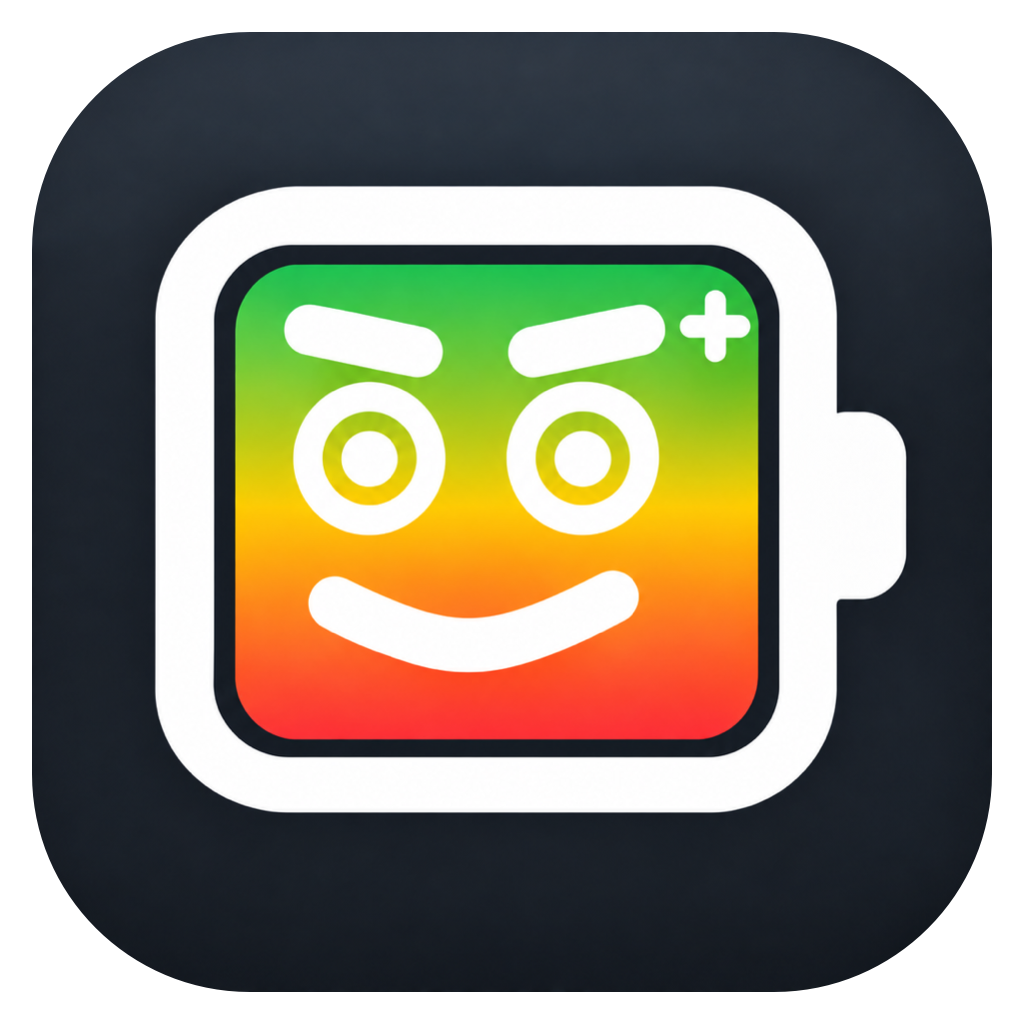 macOS appThe Pleading BatteryComing soon
A Mac menu bar battery with feelings about your choices. It watches charge, reacts out loud, and turns battery health into a little desktop character.
COMING SOONA free effect and generator for framing, matte, safe-area, and guide overlays, being prepared for public release.
COMING SOON